Battlefield 6 Cheats
Buy Battlefield 6 cheats with aimbot, player ESP, bot ESP, skeleton and health visuals, a custom crosshair, and config share.
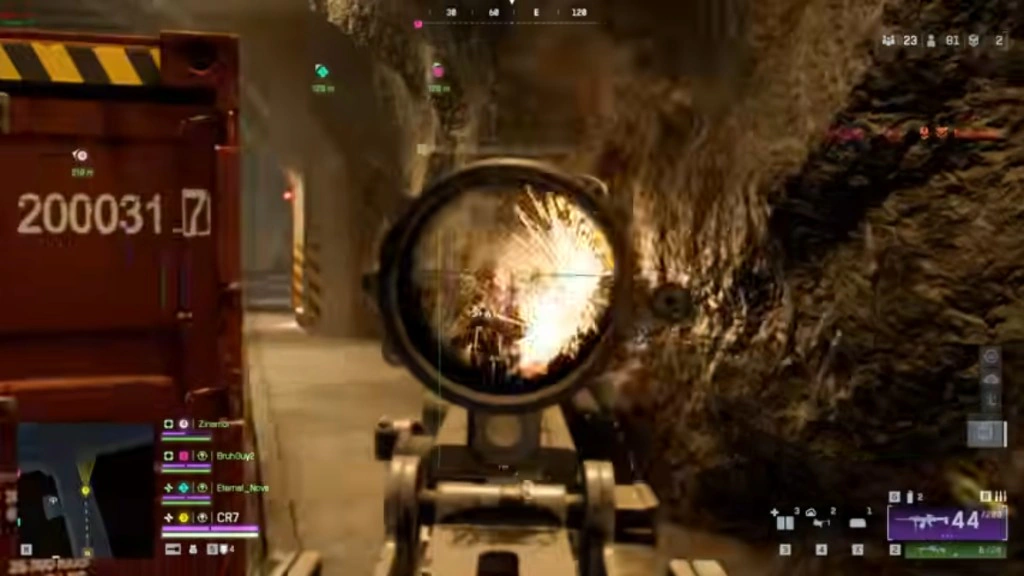
At a glance
Key capabilities
What Elite focuses on before you open the full module list.
Plus 27 additional modules in the operator portal—see the full list below.
Overview
Battlefield 6 cheats with aimbot and ESP
How this build fits ranked, Zero Build, and patch-day workflows.
Buy Battlefield 6 cheats with a bone-selection aimbot, player ESP, bot ESP, and wallhack visuals — one cheat menu for Windows 10 and 11 on Intel and AMD.
Delivery is instant through our secure checkout partner. Monthly and lifetime plans include loader updates, config save and share, and Discord support when patches land.
This Battlefield 6 cheat is built for PC players who want a tunable aimbot, player and bot ESP, and a menu they can save. Bone selection covers Head, Neck, Body, and Pelvis. Visuals cover box, skeleton, health bar, snapline, name, and distance.
One menu for aim and visuals
Draw the FOV border while you tune, then keep or hide it. The crosshair has its own style, size, and thickness. English and Chinese menu languages, an FPS limit, and separate menu and unload binds sit in misc.
Included modules
Toggle Aimbot, Aim Always, customizable aim bind, smoothness, FOV, and distance. Target bots, target teams, and visible check. Player ESP and bot ESP with max distance. Config save, load, share, and delete. See the full feature list on this page.
Before you launch
Confirm Windows 10 or 11, an Intel or AMD CPU, and HVCI, Core Isolation, TPM, and Secure Boot ON. Check battlefield6cheats.net status after every Battlefield 6 patch, then load a config before you queue.
Modules
What's included
Every module and overlay shipped with Elite—toggle and tune in the operator portal.
- Toggle Aimbot
- Aim Always
- Bone Selection (Head, Neck, Body, Pelvis)
- Customizable Aim Bind
- Customizable Smoothness
- Customizable FOV
- Customizable Distance
- Target Bots
- Target Teams
- Visible Check
- Draw FOV Border
- Draw FOV Background
- Player ESP
- Bot ESP
- Max Distance
- Health Bar
- Skeleton
- Snapline
- Box
- Name
- Distance
- Crosshair Enable
- Crosshair Style
- Crosshair Size
- Crosshair Thickness
- Config Save
- Config Load
- Config Share
- Config Delete
- Menu Language (English, Chinese)
- FPS Limit
- Menu Bind
- Unload Bind
Experience
In the client · After you buy
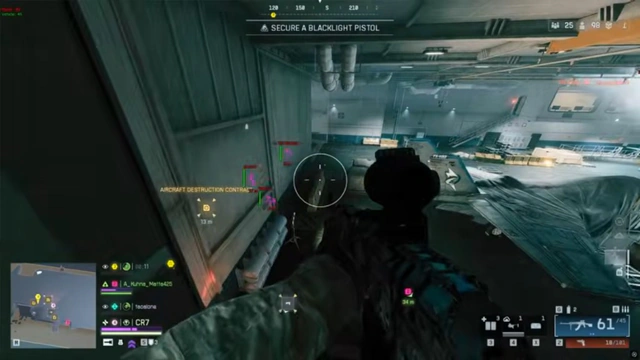
Use the screenshots above for Elite—below is what each layer means and how access works after checkout.
In-game layers
- Layer A
Scope picture
Bone selection and smoothness for shots taken through a scope.
- Layer B
Target tracking
Player ESP and distance readouts for targets past cover.
- Layer C
Head shots
Head bone selection with the FOV border available while you tune.
Guides
Learn more about Elite
Curated articles for setup, tuning, and patch-day checks that match this product.
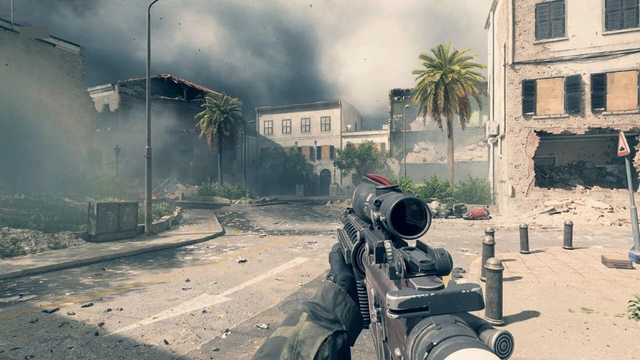
Player ESP, bot ESP, box, skeleton, health bar, snapline, name, and distance.
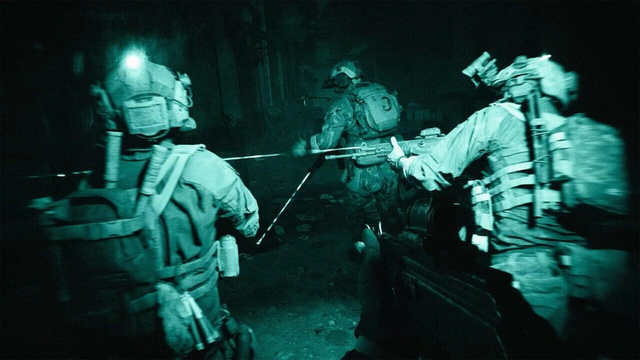
Bone selection, smoothness, FOV, distance, visible check, and the aim bind.
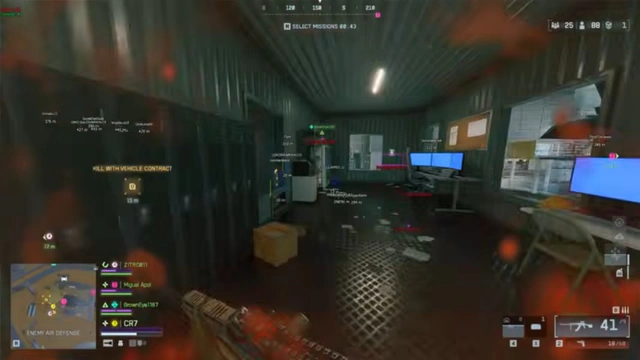
FOV border, FOV background, crosshair style, and menu language.
Checkout, delivery, monthly versus lifetime, and Windows 11 requirements.
Cheat FAQ
Battlefield 6 cheats questions
Answers on aimbot, ESP, requirements, and setup — see the full FAQ for every topic.